
Software for contract catering
From the monthly menu to the delivered box, your kitchen's whole day in one system.
Caterer.PRO connects menu planning, client counts, production, food samples, dispatch, stock and client accounts. With a box running in every kitchen, work carries on even when the internet doesn't.
- 8connected modules
- 2languages: Turkish and English
- Offlinethe kitchen keeps working without internet
- ESC/POS · ZPLslip and label printers
A day's flow
Every step feeds the next.
The food engineer's plan becomes production, the client's count becomes portions, portions become boxes, boxes become routes, and deliveries become the client's account. Nobody types the same thing twice.
 01
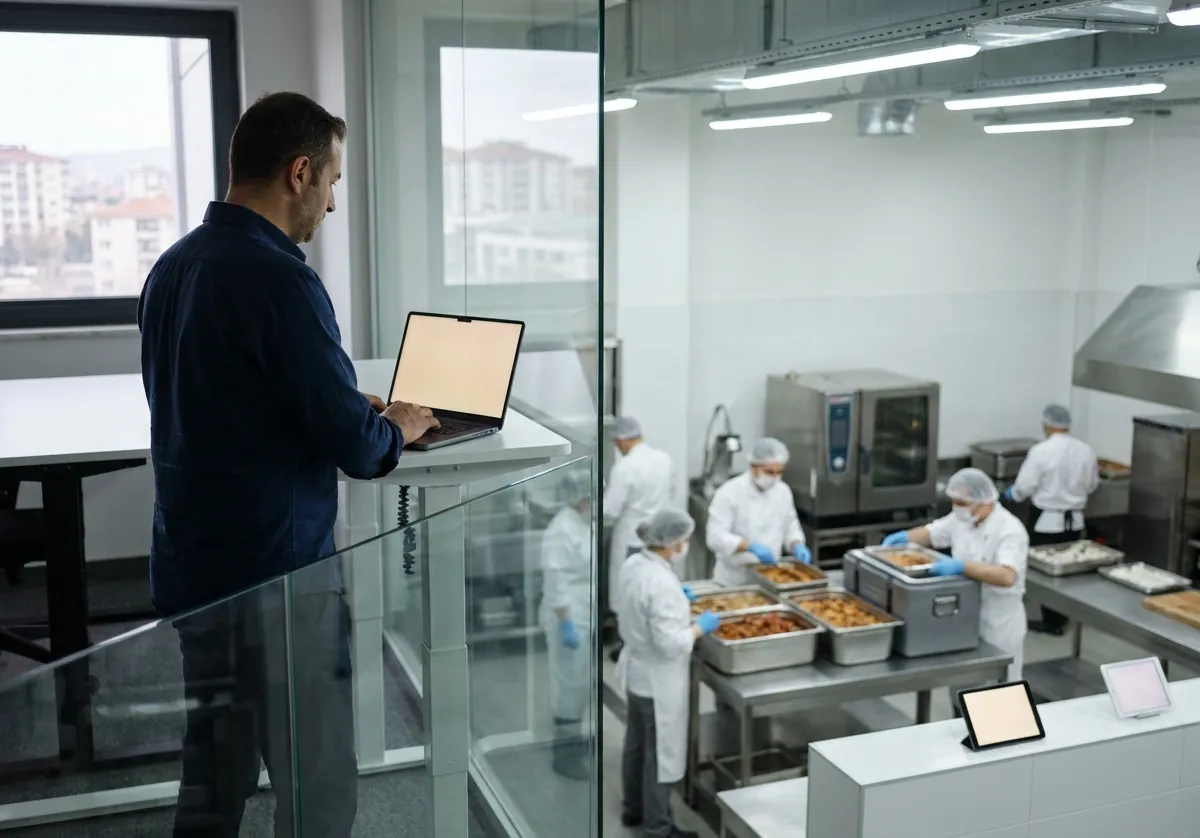
Plan
The food engineer builds the month's menu by your rules, and the client approves it.
 02
Counts
Clients enter their counts on the portal; a change by phone is recorded with who gave it.
 03
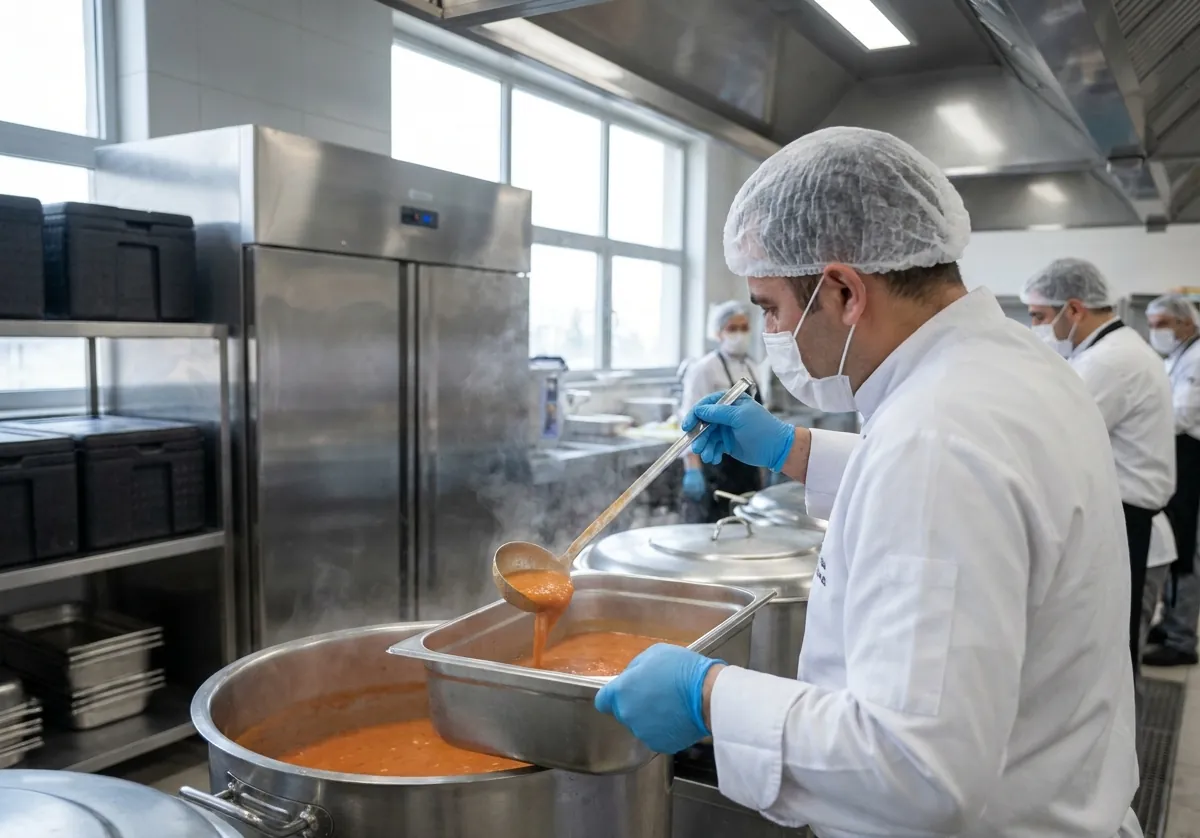
Production
Counts become portions, kilos, batches and station sheets; ingredients are issued from stock.
 04
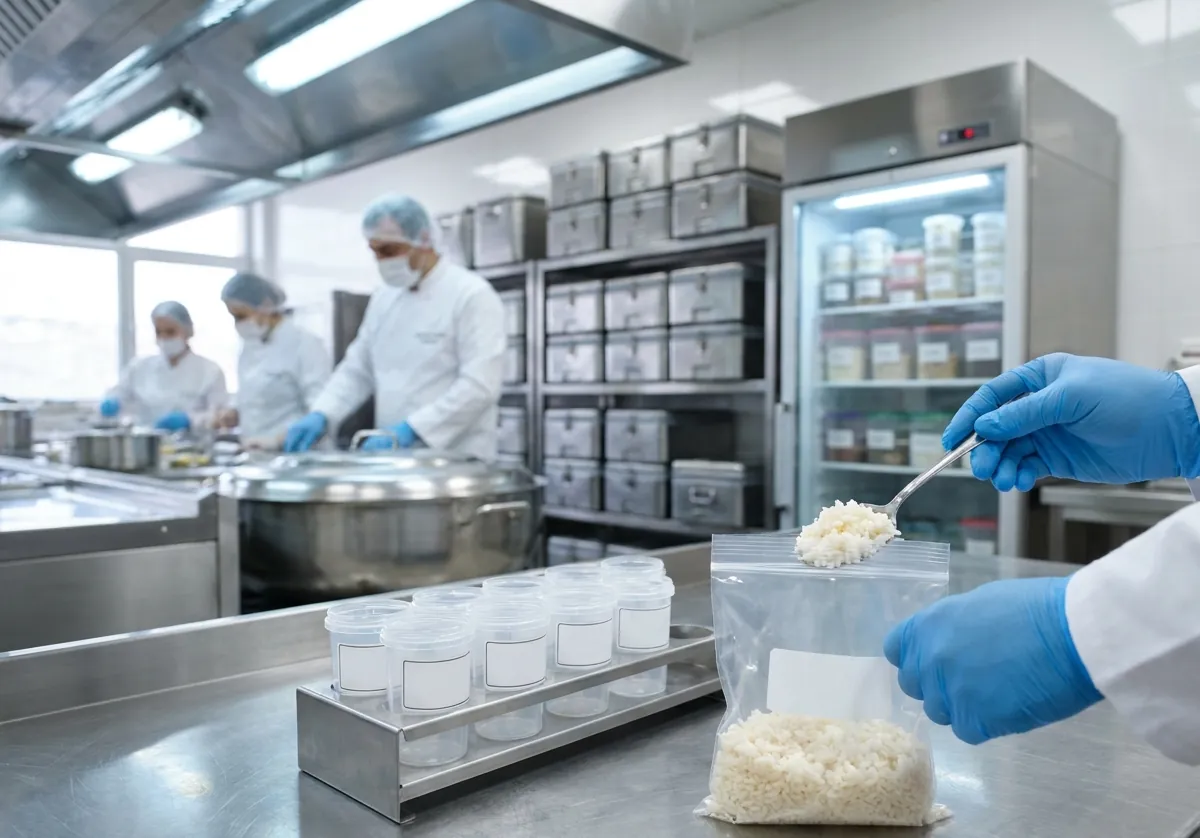
Samples
A sample of every dish is taken, labelled, kept in the fridge for 72 hours and disposed of.
 05
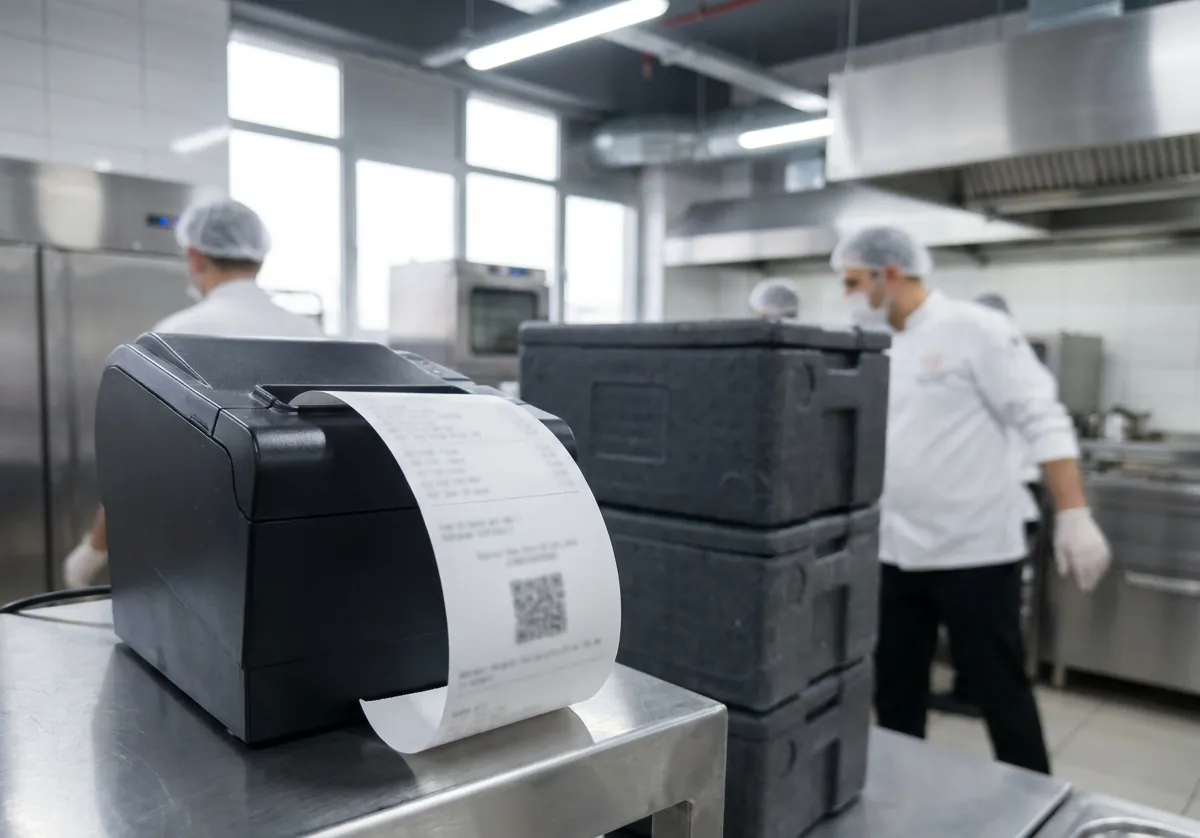
Dispatch
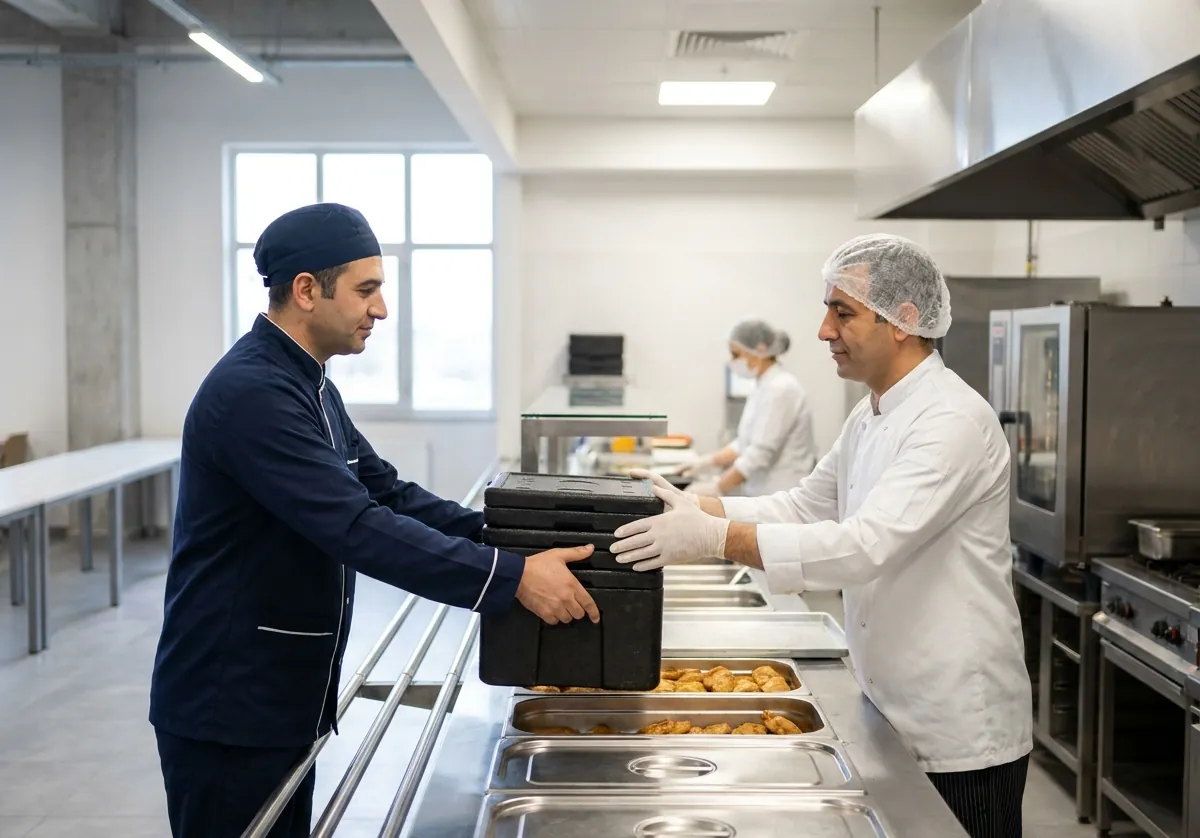
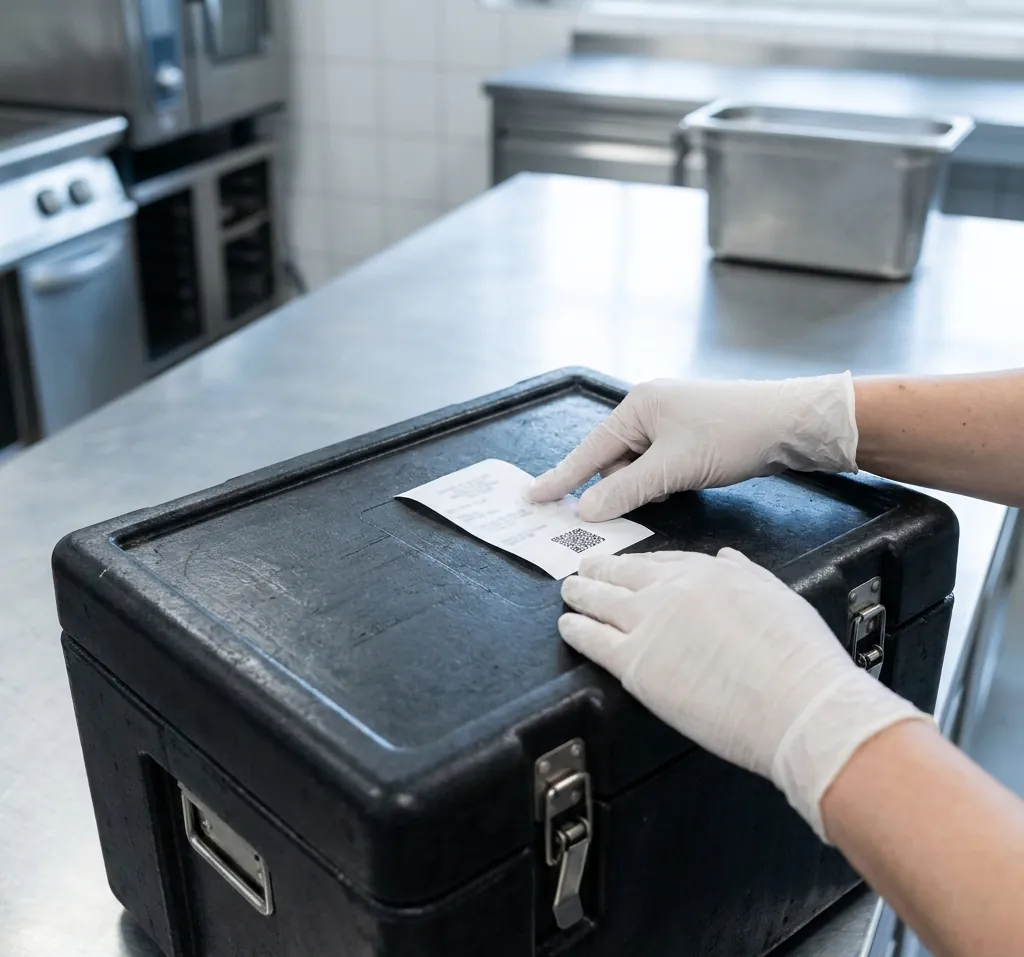
Boxes are worked out, a slip is printed for each, and routes go to vans and drivers.
 06
Delivery
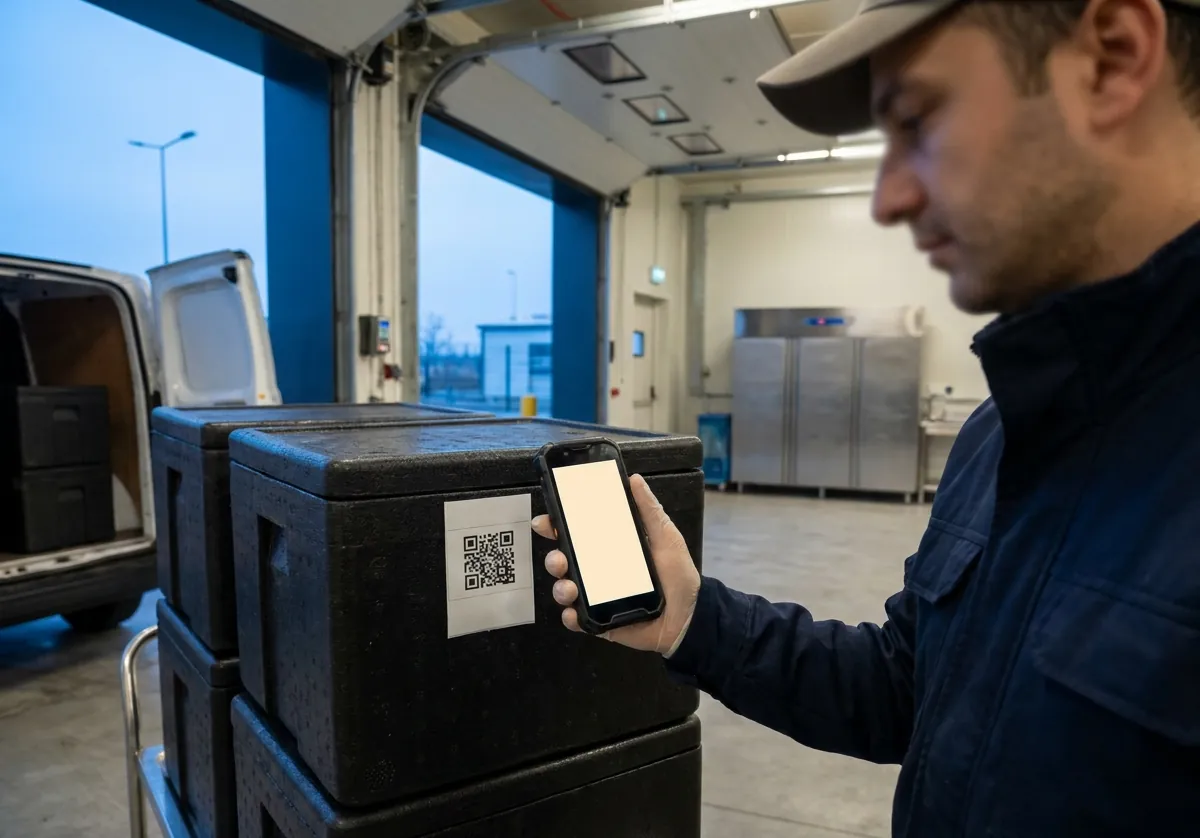
The driver scans the slip, delivers, and takes a signature and photo, even without signal.
 07
Account
The delivered count goes on the client's statement, and the boxes on their container balance.


Modules
A module for every part of contract catering.
Turn on what you use and off what you don't. They all share the same records.
Menus and recipes
The food engineer's month, on one screen.
DetailsClients and counts
Get the day's count right, and the rest follows.
DetailsProduction
When counts close, the kitchen knows what to cook.
DetailsFood safety
When the inspector arrives, the file is ready.
DetailsDispatch and delivery
Every box leaves with its slip and comes back counted.
DetailsStock and purchasing
The store knows what to buy before the plan needs it.
DetailsAccounts and statements
Look at the same balance as your client.
DetailsFleet and costs
Know what a meal really costs you.
DetailsScreens
Clean, fast, bilingual.
The same design on desktop, tablet and phone. Every screen is in Turkish and English, and each person can choose their own language.


A box in every kitchen
If the internet goes, the kitchen keeps going.
Each kitchen gets a small computer: the box. Printers, tablets and phones connect to it on the kitchen's own network. Without internet, counts are still read and sheets and slips still print; when the connection is back, everything syncs with the city's server, with nothing lost or doubled.
- Printers only on the kitchen's network, connected to the box
- The driver's phone works offline too
- A separate cloud server per city; 381.caterer.pro for Kayseri
- Sensitive personal data stays on the box in the kitchen


Who it's for
A screen for everyone in the kitchen.
People see only what their work needs, and permissions can be limited by kitchen.
Owner
Overview, cost per meal, profit per client, users and settings.
Food engineer
Recipes, allergen approval, the monthly plan, planning rules, samples and HACCP.
Chef and kitchen
The production plan, station sheets, ingredient issues, planned against actual.
Storekeeper
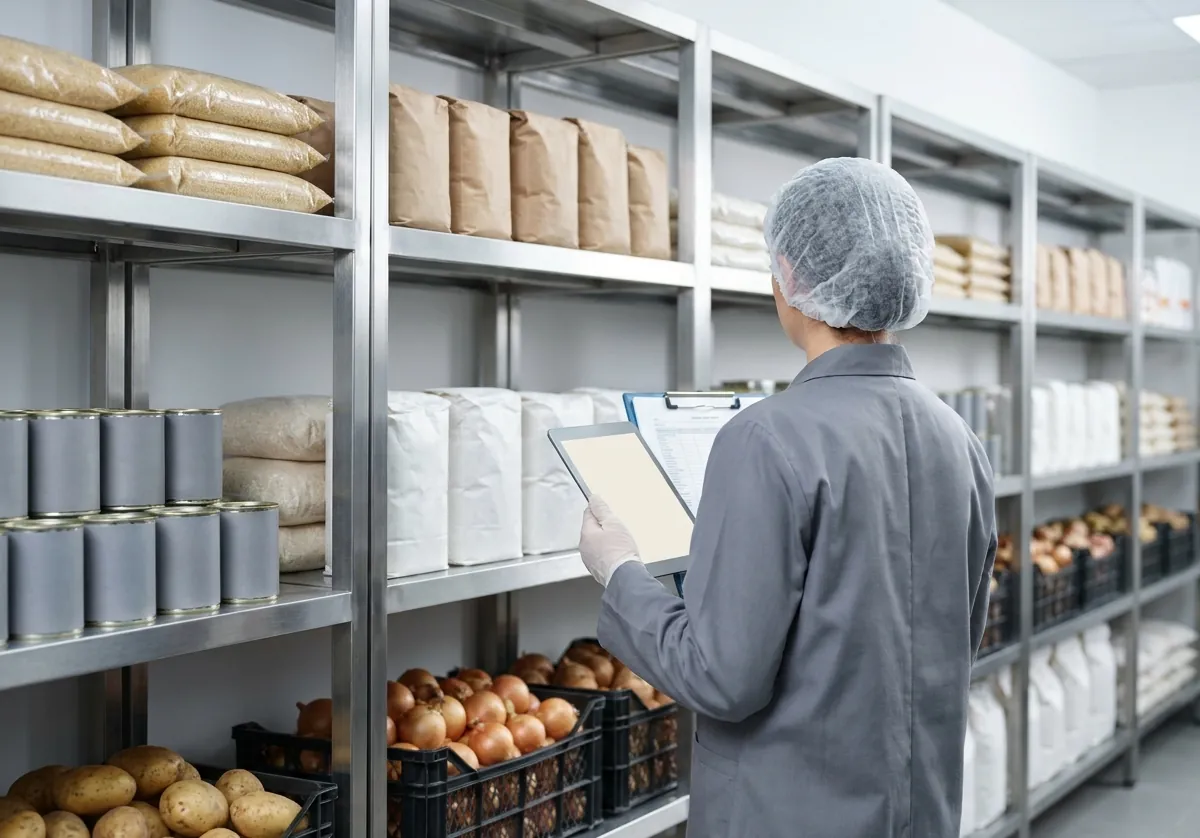
Goods-in, stock, counts, transfers, waste and reorder suggestions.
Dispatcher
Confirming counts, loading, box slips, routes and container balances.
Driver
Route, stops, scanning, signatures and photos on the phone; offline.
Accounts
Charges, payments, statements, month closing and export.
Client company
Menu, counts, deliveries and balance on the portal; only their own sites.


Transparent and secure.
Nothing is erased
If a count, price, stock figure or plan changes afterwards, who changed it, when and why is recorded.
Encrypted backups
Backed up every night; only your key opens a backup.
Two-step login
A second step with an authenticator app; required for managers if you choose.
Your data is yours
Download all your data in one file whenever you like.
Let's see how it would work in your kitchen.
Tell us about your menus, clients and routes, and we'll show you Caterer.PRO set up the way you work.
Write to info@caterer.pro