How it works
A box in the kitchen, a server in the city, a phone in hand.
Caterer.PRO has three parts, and each can work on its own. Neither an internet outage nor a broken printer stops the day.
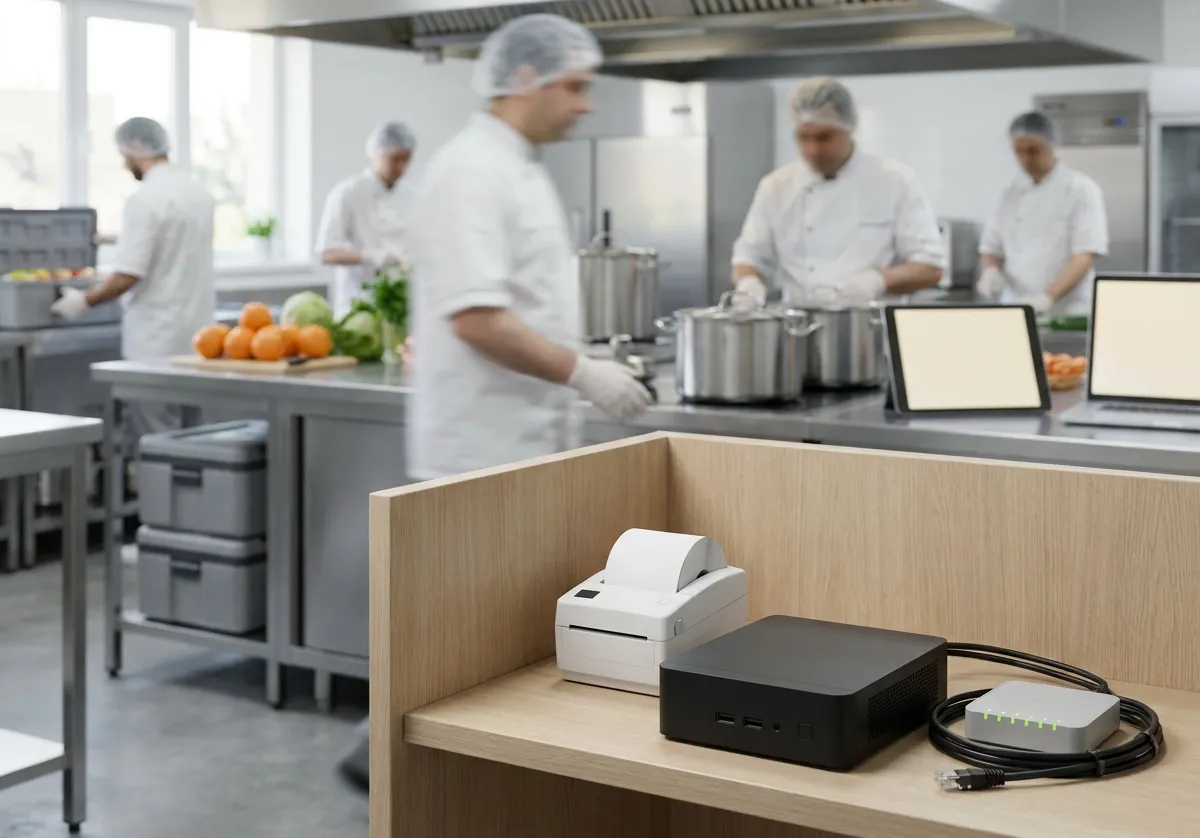
The box
A small computer in each kitchen. The kitchen's printers are connected to it, and its tablets talk to it. It works without the internet.
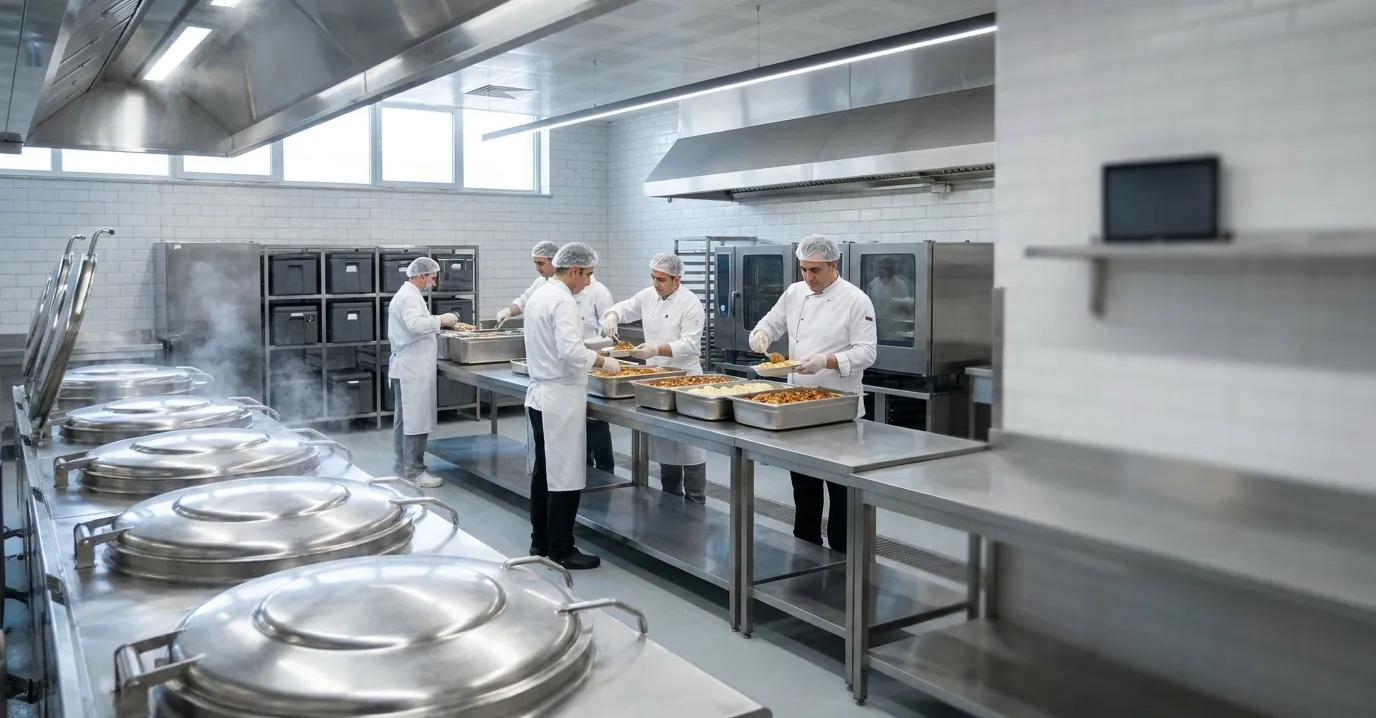
The city's server
A separate cloud server for each city: 381.caterer.pro for Kayseri. The client portal, management and backups live here.
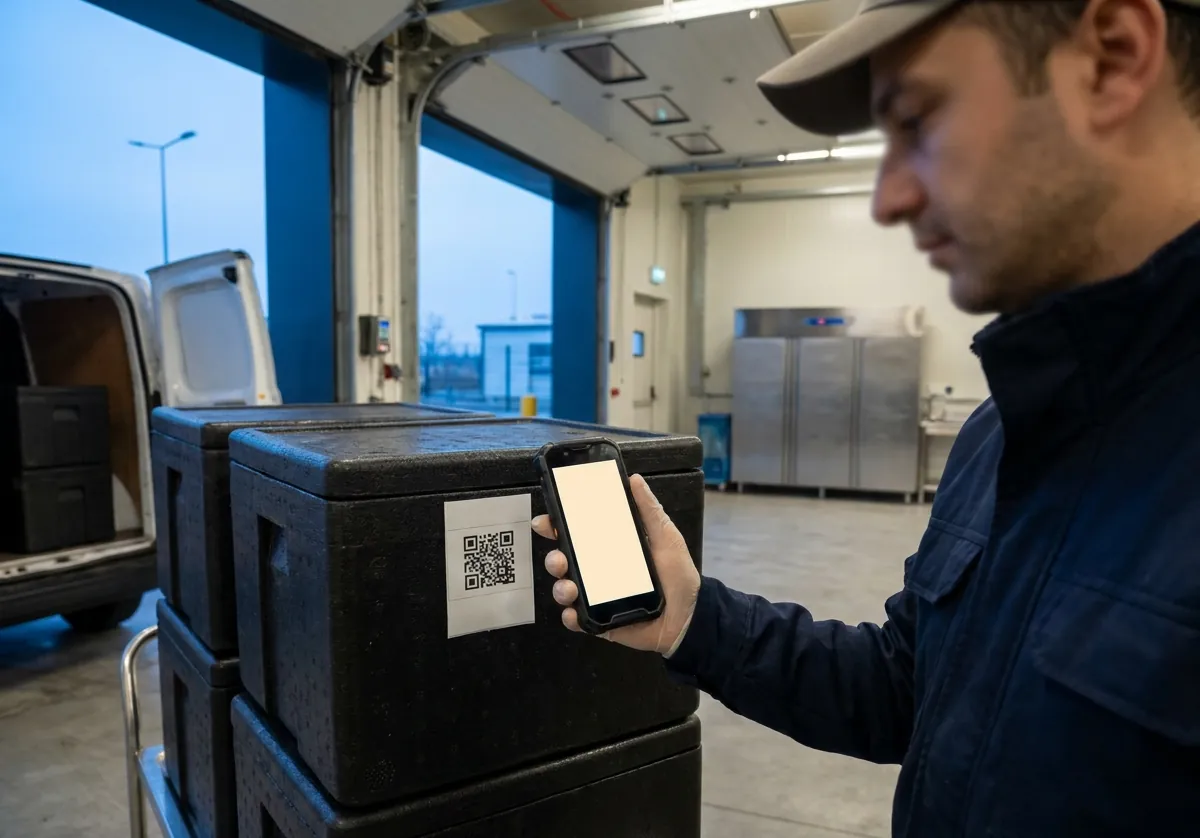
Tablets and phones
The Android app on kitchen tablets and drivers' phones; it also runs in a browser.


Nothing lost, nothing doubled.
Every change is recorded as an event and only ever added to; history is never edited. When the connection is back, the box, the server and the phones exchange events and agree. Whatever order events arrive in, the result is the same.
Security and data protection
Sensitive data stays in the kitchen
Staff and drivers' sensitive personal data is kept only on the box in the kitchen.
By permission
Each role's permissions are checked on the server; anything not on the list is refused.
Permissions by kitchen
Staff can see only their own kitchens' records.
Two-step login
A second step with an authenticator app; required for managers if you choose.
Record history
Who changed each record and when; a recent-changes screen.
Encrypted nightly backups
Backups can't be opened even on the server; only your key opens them.
Download your data
All your records in one file, whenever you like.
No location tracking
Drivers' and staff locations are not tracked.
Set up the way you work.
Menus, meals, portions, calendars, planning rules and workflows are set on your management page. Settings apply to the company, kitchen, menu, client, site or day, with start dates. A new company doesn't start with a blank form but with ready-made settings.
- Turn off the modules you don't use
- Your logo and brand colour on every screen and document
- Turkish and English; each person chooses their own language
- Several kitchens, each with its own box

Let's see how it would work in your kitchen.
Tell us about your menus, clients and routes, and we'll show you Caterer.PRO set up the way you work.
Write to info@caterer.pro