Who it's for

Everyone does their own job, on their own screen.

In Caterer.PRO each role has its own menu and permissions. You define the roles and can limit permissions by kitchen.
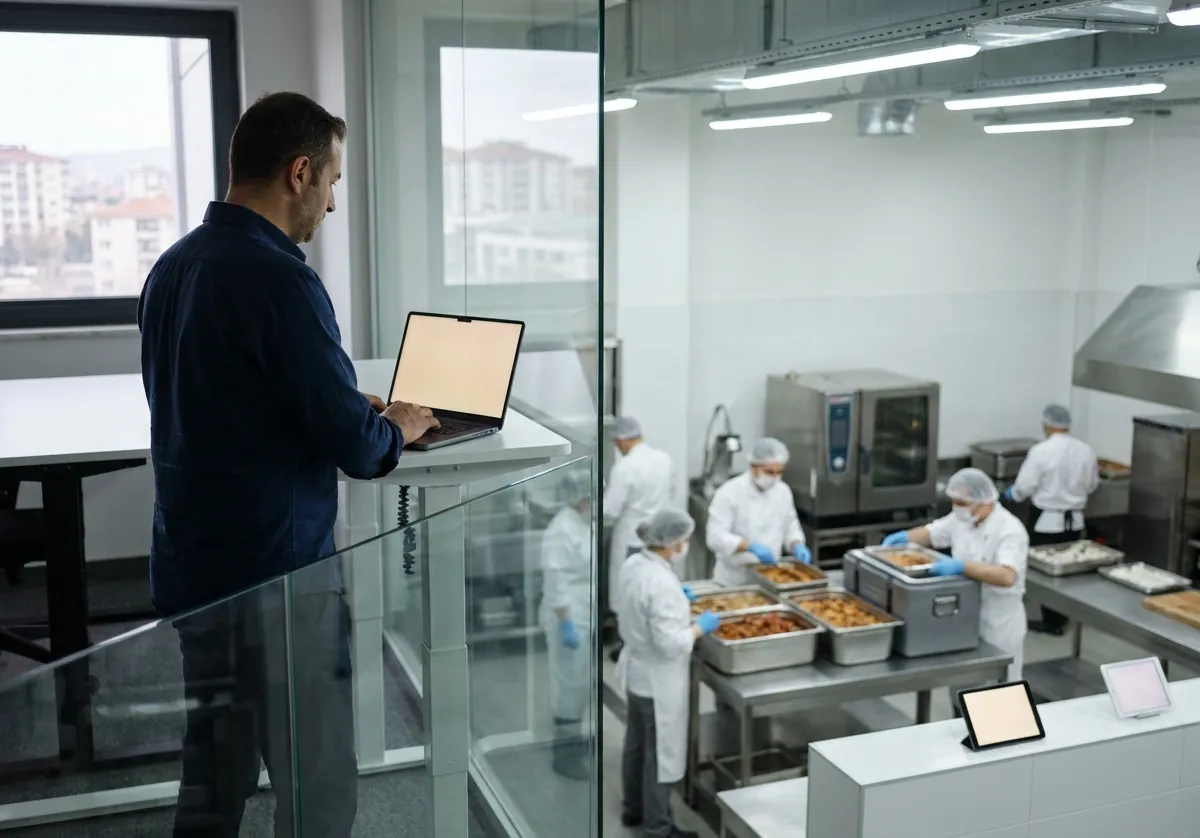

  • A catering company owner works on a laptop in a glass-walled office overlooking the kitchen.

    Owner

    Overview, cost per meal, profit per client, users and settings.

    Menus and recipes
  • A food engineer plans the monthly menu in an office beside the kitchen.

    Food engineer

    Recipes, allergen approval, the monthly plan, planning rules, samples and HACCP.

    Menus and recipes
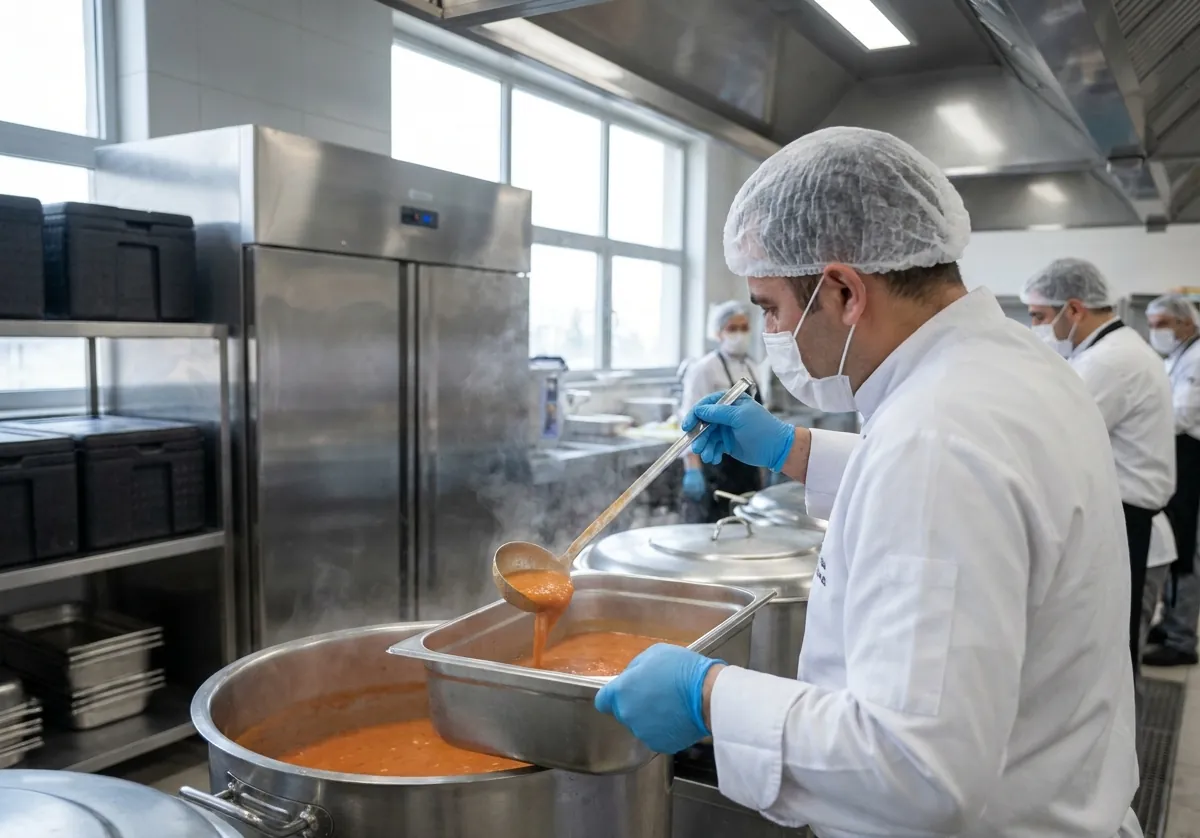
  • A cook in a hairnet and gloves ladles lentil soup from a kettle into a gastronorm pan.

    Chef and kitchen

    The production plan, station sheets, ingredient issues, planned against actual.

    Production
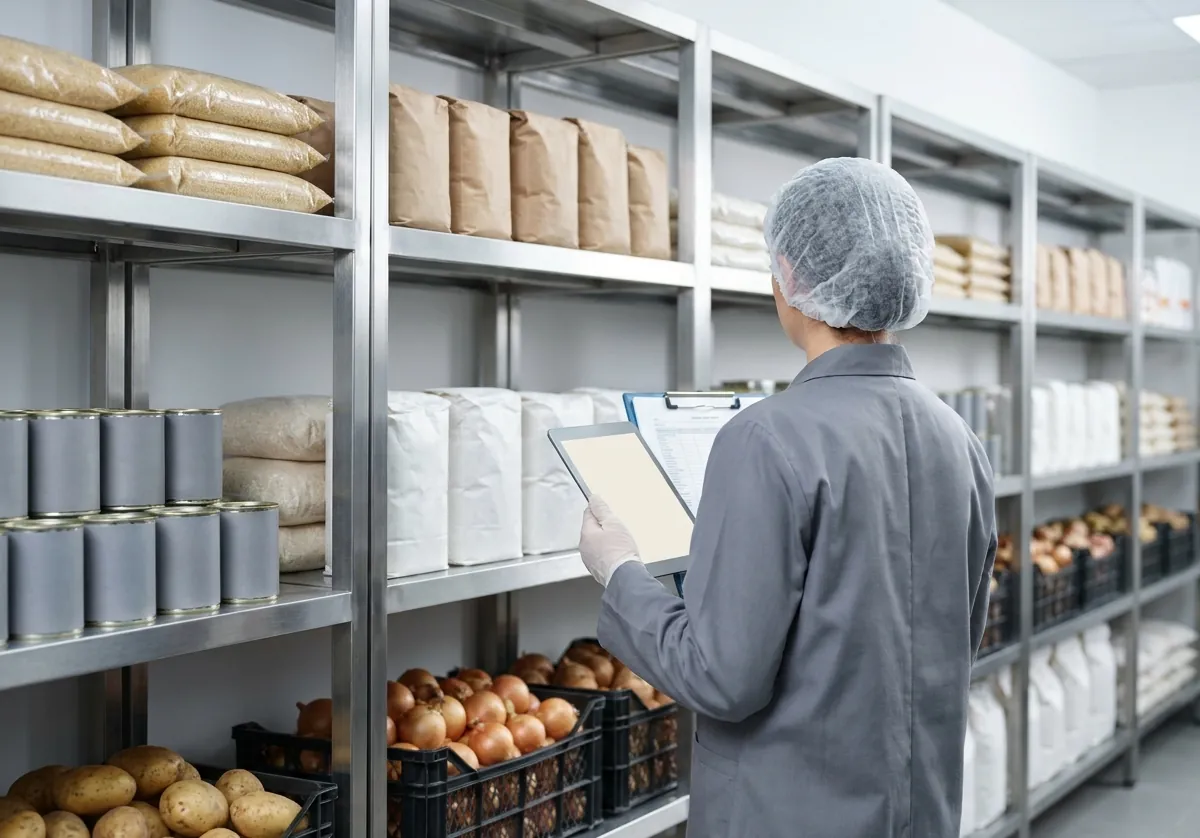
  • A storekeeper counts stock with a tablet in a tidy dry store.

    Storekeeper

    Goods-in, stock, counts, transfers, waste and reorder suggestions.

    Stock and purchasing
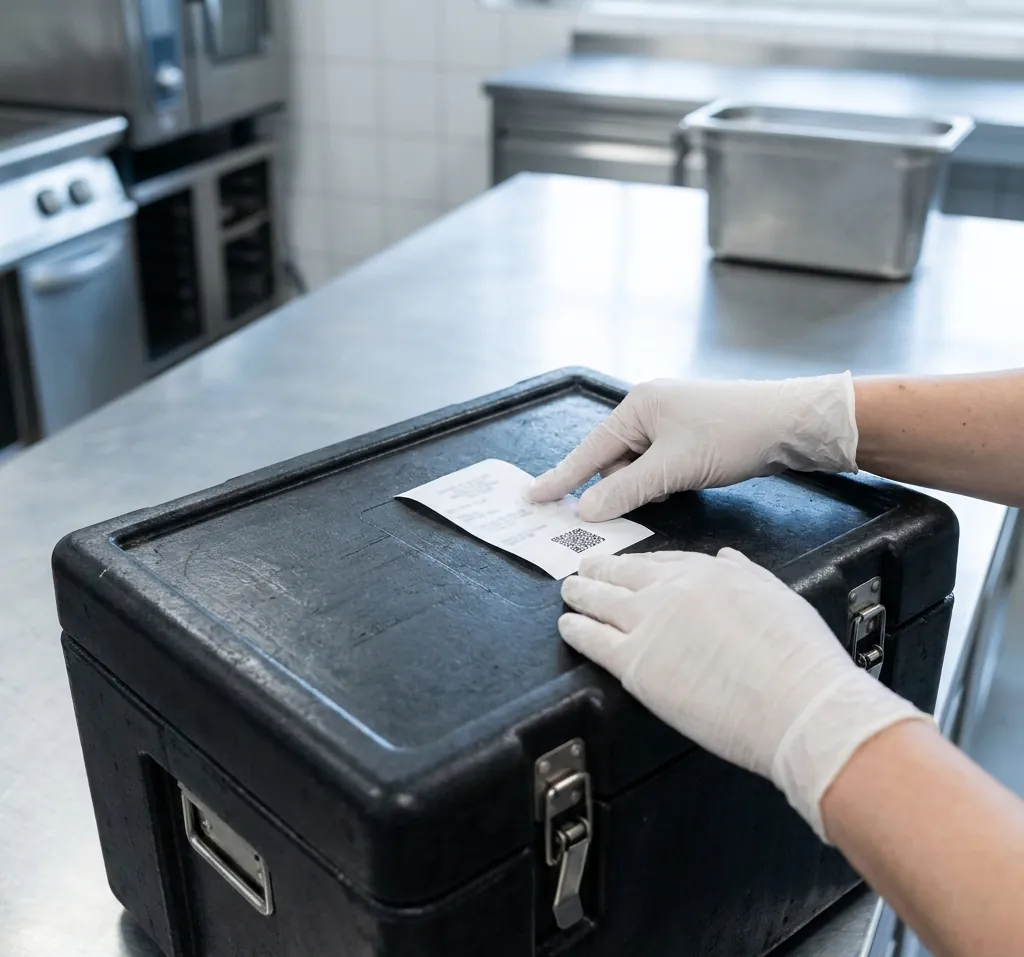
  • Gloved hands press a slip with a QR code onto a thermobox lid.

    Dispatcher

    Confirming counts, loading, box slips, routes and container balances.

    Dispatch and delivery
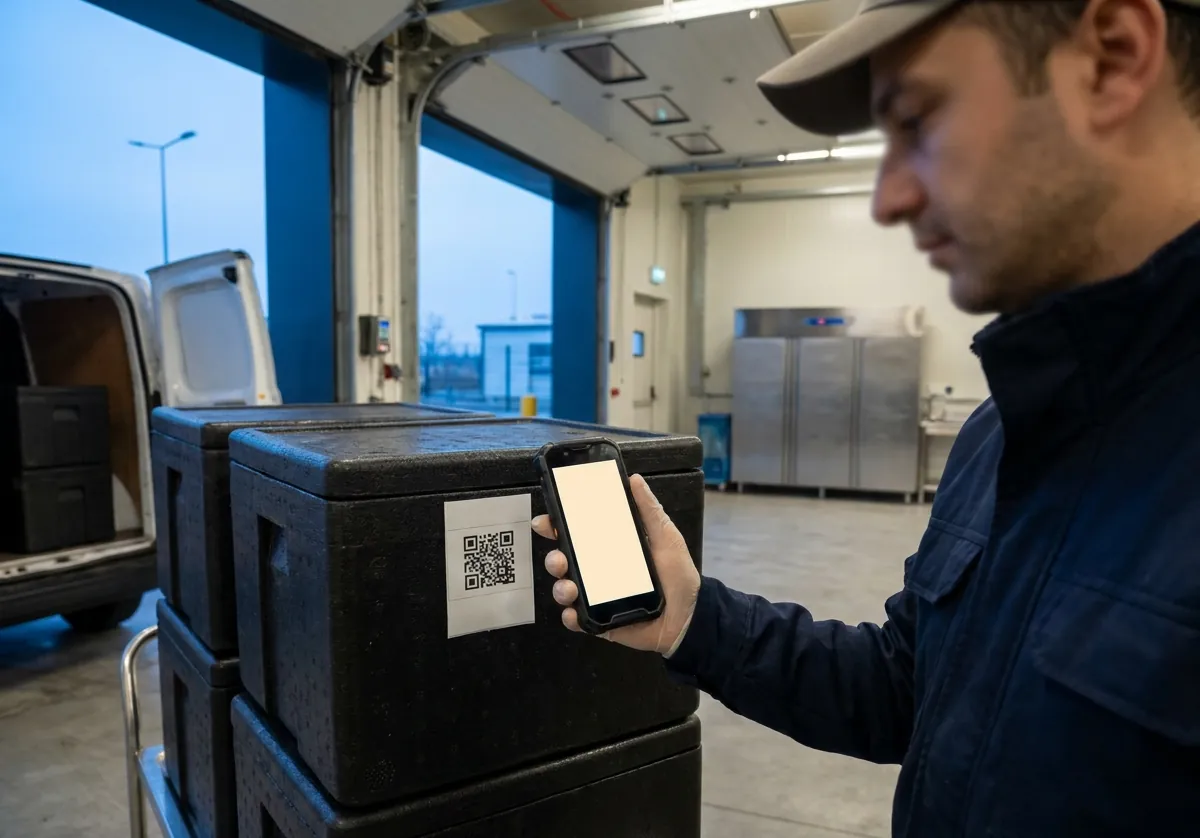
  • At the loading bay, a driver scans the QR code on a thermobox's slip with his phone.

    Driver

    Route, stops, scanning, signatures and photos on the phone; offline.

    Dispatch and delivery
  • A catering company owner works on a laptop in a glass-walled office overlooking the kitchen.

    Accounts

    Charges, payments, statements, month closing and export.

    Accounts and statements
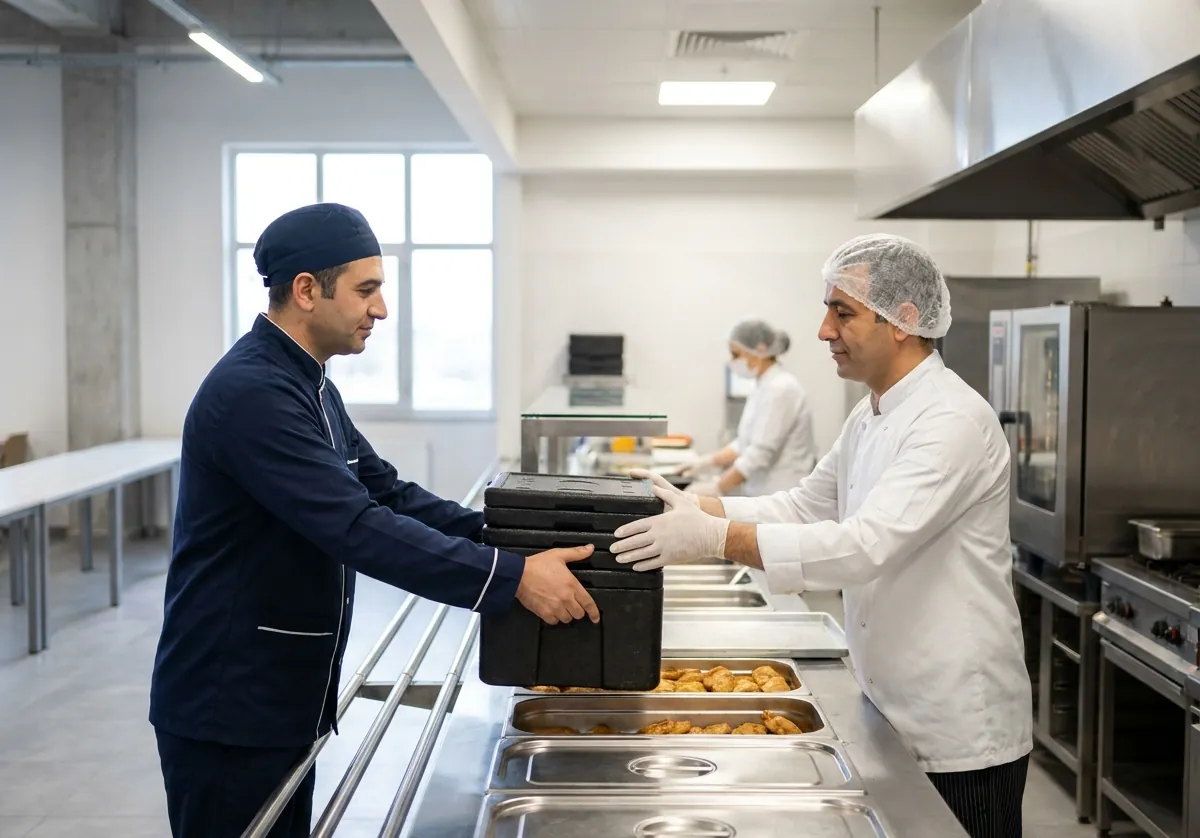
  • A driver hands thermoboxes to a canteen worker at a factory.

    Client company

    Menu, counts, deliveries and balance on the portal; only their own sites.

    Clients and counts

Let's see how it would work in your kitchen.

Tell us about your menus, clients and routes, and we'll show you Caterer.PRO set up the way you work.

Write to info@caterer.pro